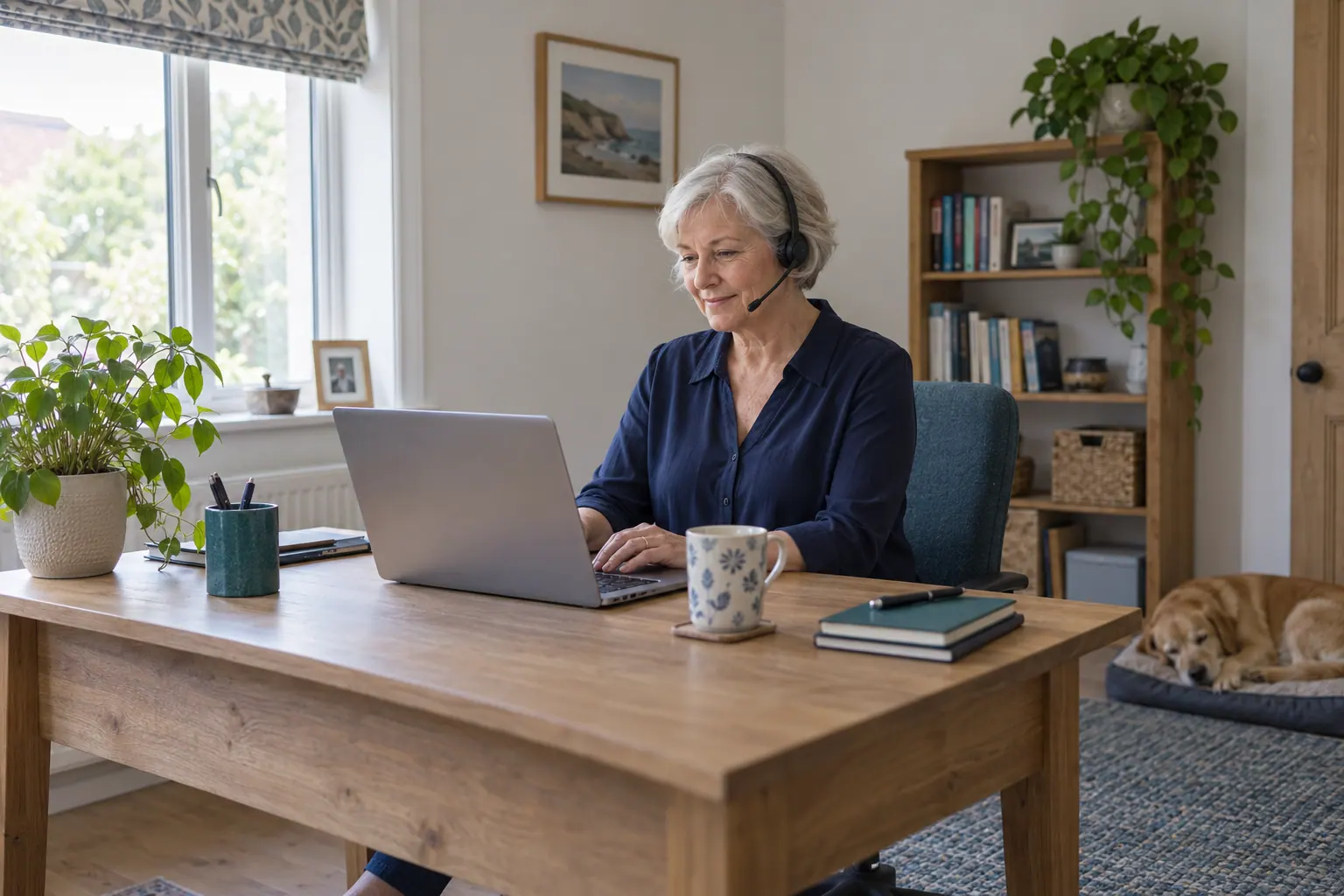
A successful login is only one part of remote onboarding. The GP and practice also need to agree how work arrives, how a colleague is reached and what happens when a task cannot be completed remotely. Set these arrangements before the first session, not during it.
Use this operational checklist alongside the practice’s local policies and the guidance applicable to the service’s UK nation. It is not a clinical consultation protocol or confirmation that any particular remote service is safe to start.
Define the work and permitted working location
Write down the dates, paid session hours, workload, appointment structure and time for administration. Specify whether the work includes consultations, an agreed task list or a mixture. Name the duties that remain with the on-site team and who agrees any change to the scope.
Separate the location of the practice from the location where the GP will work. FindALocum’s fully remote vacancies require work to be carried out within the United Kingdom; this rule is about where the work happens and has nothing to do with nationality. A hybrid post should state its actual on-site days and sites.
Agree equipment, workspace and any attendance needed for induction. Confirm that the GP’s indemnity covers the proposed remote activity; the GMC includes this in its remote-consultation guidance.
Save the editable onboarding checklist and record what is proposed, tested or still outstanding, with a responsible person for each item. Use it alongside this guide and the practice’s procedures. Ticking every box does not mean the service is ready.
Sources: GMC: remote consultations
Test the complete access route
List the systems required for the work: clinical record, consultation tools, task lists, prescribing where relevant and approved team communication. Allocate an access owner and allow time to arrange the GP’s own accounts and permissions.
Use a practice-approved test to confirm the necessary functions work without putting real patient information into personal notes or recruitment messages. A test should cover the task workflow as well as connection to the desktop. Record unresolved access problems and the person addressing each one.
Where NHS Care Identity is used, the Registration Authority manages permissions. NHS England Digital says not to share smartcards or passcodes. If access is missing, use the authorised support route. Never use another clinician’s credentials.
Agree a private workspace and team contact route
Ask the practice’s IT or information-governance contact to confirm approved equipment, connection, downloads, printing and local incident arrangements. Agree a workspace where conversations and screens remain private, and use only the approved tools for clinical work.
Name a clinical contact and an operational contact for the session. Test how to reach them and keep an approved backup method that does not rely on the same remote system. Introduce the GP to the people coordinating appointments and explain when they should escalate a problem.
Define the route to on-site assessment and follow-up
The GMC states that its standards apply to remote as well as face-to-face care. Where safe prescribing standards cannot be met remotely, the consultation method needs to change. So the recruitment brief should say how patients who need to be seen in person will reach the local team. It should not try to make clinical decisions in advance.
Agree who coordinates that route, how the GP contacts them and how the receiving team sees the relevant record. Check the practice’s arrangements for communication support, safeguarding and urgent escalation. A routine message in a shared queue may not be read straight away.
Sources: GMC: remote consultations
Rehearse a connection failure and the final handover
Before starting, ask what happens if the connection drops, the consultation tool fails or the local contact is unavailable. Name the person coordinating affected appointments and the agreed alternative contact route. Keep ownership of outstanding work clear while the technical problem is being resolved.
Set the end-of-session handover process and identify which clinician or team takes over. Include tasks still open and responses expected after the GP logs off. The GMC’s continuity guidance supports checking, where practical, that responsibility has passed when your involvement ends.
For example, if the GP can read a record but cannot use the agreed task queue during the access test, the access owner investigates before that workflow begins. This is a made-up planning example. It did not come from a FindALocum assignment.
Review readiness together before the first session
Use a short joint check so the GP and practice agree what is ready and what remains unresolved. A booked time does not make missing access or support disappear. Escalate outstanding issues to the person responsible before proceeding with work that depends on them.
| Check | Evidence to agree |
|---|---|
| Work and terms | Current brief, working location, hours, duties and payment arrangements. |
| Access | Individual permissions and required workflows tested with the access owner. |
| Support | Clinical and operational contacts, backup route and availability during the session. |
| Local follow-up | Agreed practice route for attendance, escalation and unfinished work. |
| Service interruption | Owner for affected work if access or communication fails. |
| After the booking | Handover, hours approval and removal of access no longer needed. |
Build a locum induction pack with remote-working details →
Common questions
Can a GP use their own laptop for every remote assignment?
That depends on the practice’s approved technical and information-governance arrangements. Agree equipment and support requirements before the session; a personal device is not automatically authorised.
Does remote work remove the need for practice induction?
No. Local workflows, support contacts, follow-up and handover still need to be understood. Test the access needed for the specific duties and resolve outstanding issues before starting those tasks.
Does FindALocum provide the clinical system or confirm remote readiness?
FindALocum provides an introduction service. The practice and GP need to agree the systems, checks, support and assignment terms. An enquiry receipt does not confirm a booking or that remote arrangements are ready.
Official sources
Sources checked . Requirements can differ by country, employer and role; use the current guidance relevant to the work.
Published by FindALocum. How we prepare our articles · Suggest a correction